SolarEdge Support: Phone, Chat, Email & Troubleshooting
-
Share
When your SolarEdge inverter throws an error code or your monitoring portal goes dark, you need answers fast, not a runaround. Finding the right SolarEdge support channel can be the difference between a quick fix and days of lost solar production. Whether you’re a homeowner watching your energy bills creep back up or an installer troubleshooting on a roof in the Florida heat, knowing exactly where to go matters.
At Advance Solar & Spa, we’ve installed and serviced thousands of solar systems across Florida since 1983, many of them running SolarEdge equipment. Our in-house team of over 50 licensed professionals deals with SolarEdge hardware and software issues regularly, so we know these support channels inside and out. We put this guide together based on real experience working with SolarEdge’s support system, not recycled FAQ pages.
Below, you’ll find every way to reach SolarEdge, by phone, live chat, and email, along with direct links to their technical resources and step-by-step troubleshooting for the most common problems. We also cover what to do when SolarEdge support alone isn’t enough and you need a certified local installer to step in.
What SolarEdge support can help with
SolarEdge’s support team handles a wide range of issues, but not every problem lands in the same queue. Understanding what type of issue you have before you call or chat saves you time and gets you to the right technician faster. The team covers residential and commercial system owners as well as professional installers who need backend technical assistance.
Knowing which category your issue falls into before you contact SolarEdge support can cut your resolution time significantly.
Inverter, hardware, and monitoring issues
If your inverter shows a red LED, an error code, or stops producing power, SolarEdge support can walk you through error code definitions and guide remote diagnostics through the monitoring platform. The team determines whether your unit needs a firmware update or a physical hardware replacement, and they handle common faults including arc fault errors, grid disconnection codes, and communication module failures.
Your SolarEdge monitoring portal or app may also show missing data, incorrect readings, or connection errors. Support can reconnect your inverter to the cloud, reset your site credentials, and troubleshoot your communication device, whether it uses ZigBee, Wi-Fi, or Ethernet. If you manage multiple sites, they also handle user access and site configuration inside the monitoring dashboard.
Warranty claims and product registration
SolarEdge offers a standard warranty on inverters and optimizers, with extended options available at registration. The support team handles warranty claim submissions, verifies product registration status, and coordinates unit replacements when a device qualifies. Before you open a claim, pull together the following:
- Serial number from the label on your inverter
- Installation date from your original contract or permit
- Proof of purchase such as an invoice or receipt
Step 1. Confirm your role and gather key details
SolarEdge routes support requests differently depending on who you are and what you need. Calling the wrong queue means you get transferred, re-explained your issue, and waste 20 minutes. Before you pick up the phone or open a chat, take two minutes to confirm your role and pull together the right information.
Homeowner or installer: know which queue applies to you
System owners and installers get routed to separate support teams. Homeowners use the residential owner line and describe symptoms, while installers access a dedicated technical line with deeper diagnostic access. SolarEdge support also gives installers the ability to pull remote data directly from your inverter, which speeds up diagnosis significantly.
Contacting the correct queue from the start cuts your average call time nearly in half.
Information to collect before you contact
Gather the items below before reaching out. Having them ready lets the support agent skip the back-and-forth and move straight into troubleshooting.
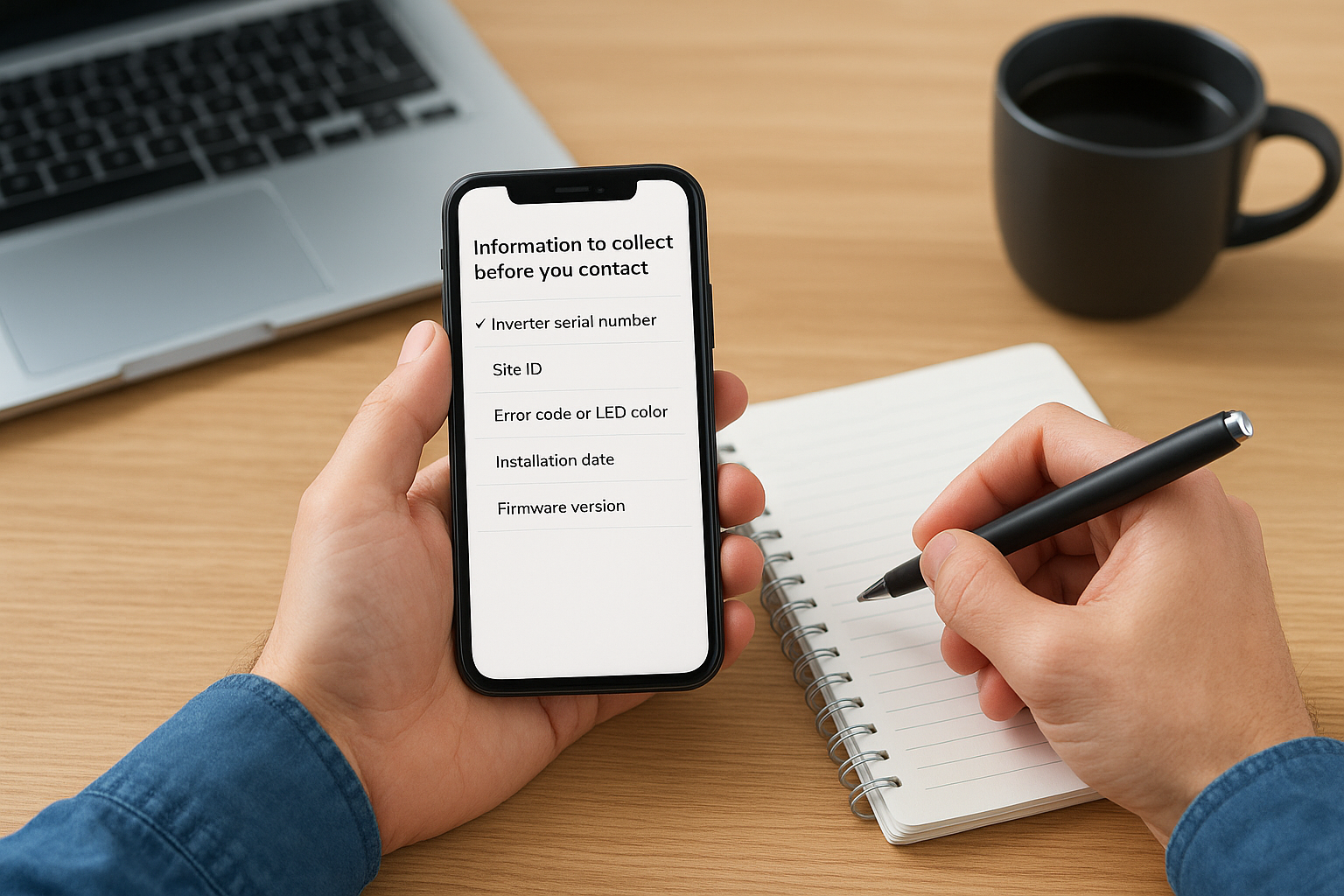
| Detail | Where to find it |
|---|---|
| Inverter serial number | Label on the inverter unit |
| Site ID | SolarEdge monitoring portal, site settings |
| Error code or LED color | Inverter display or monitoring app |
| Installation date | Your original contract or permit |
| Firmware version | Monitoring portal, inverter status page |
Step 2. Run quick self-service checks first
Before you contact SolarEdge support, spend five minutes running through the available self-service tools. Many common issues, including dropped monitoring connections and minor error codes, resolve without waiting on hold or filing a ticket.
Running a few quick checks yourself often resolves the issue faster than any support call can.
Check the monitoring portal
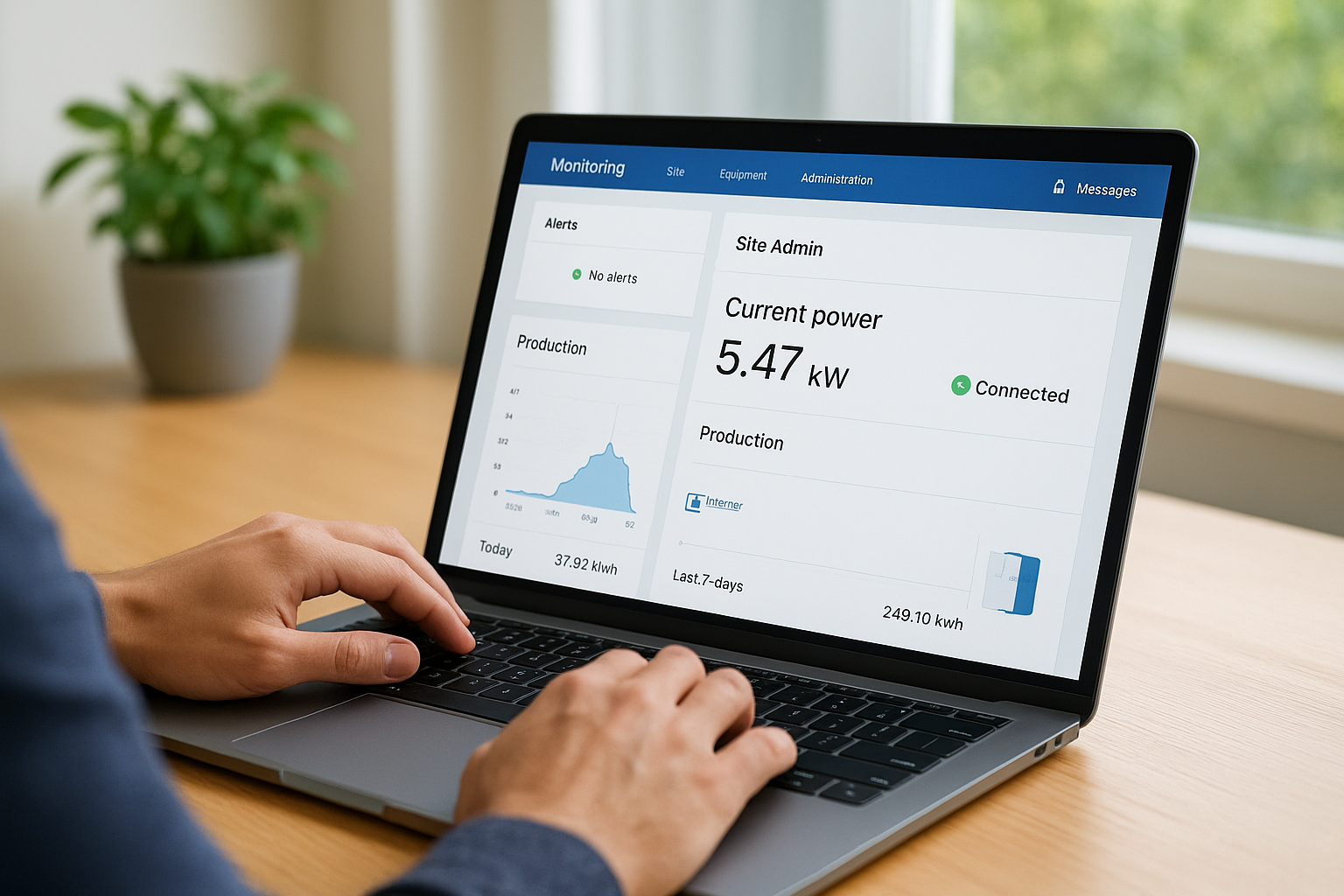
Log into your SolarEdge monitoring portal at monitoring.solaredge.com and pull up your site’s status page. Look for active alerts in the “Site Admin” section, confirm your inverter’s current power output, and verify your communication device shows a green connection status. If you see a yellow or red communication indicator, power-cycle your communication device by unplugging it for 30 seconds and plugging it back in.
Search the SolarEdge knowledge base
SolarEdge maintains a public knowledge base packed with error code definitions, firmware release notes, and wiring diagrams. Search your exact error code before picking up the phone. The documentation covers the most frequent inverter faults and walks you through reset procedures step by step.
Quick items to check before you escalate:
- Verify the AC disconnect and DC disconnect are both in the ON position
- Confirm your router has an active internet connection
- Check for local grid outages through your utility provider
Step 3. Contact SolarEdge by phone, chat, or email
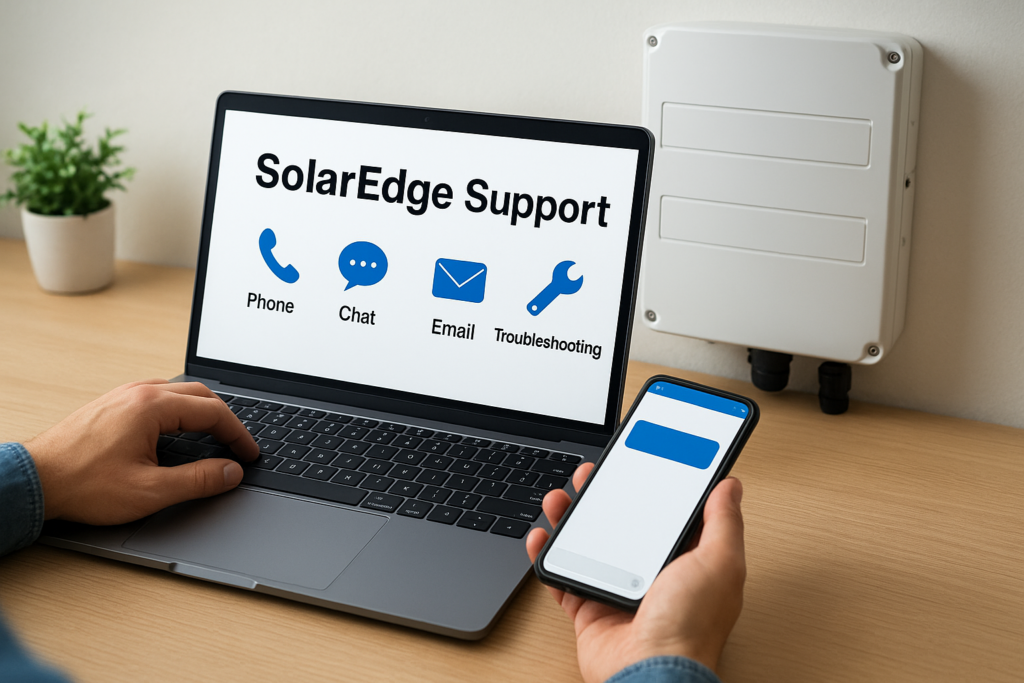
Once you’ve run through the self-service checks and still need help, reach out to SolarEdge support directly. SolarEdge provides three contact channels, each suited to a different level of urgency and issue complexity.
Phone support
Find the correct regional phone number for your location by visiting solaredge.com and navigating to the Support section. Residential owners select the homeowner queue, while installers choose the dedicated technical line. Phone support works best for urgent faults, active system downtime, or warranty claim submissions that require real-time back-and-forth to resolve.
Phone contact gives you the fastest path to a live technician when your system is down and you need answers right away.
Live chat and email
SolarEdge offers live chat through their support portal, accessible at solaredge.com. Chat connects you with a technical agent during business hours and works well for moderately urgent issues. For non-urgent documentation requests or warranty follow-ups, submit a support ticket through the same portal and expect a response within one to two business days. When submitting a ticket or email, include the following details up front to avoid delays:
- Serial number and site ID
- Error code or LED status
- Brief description of when the fault started
Step 4. Manage your case and keep your system safe
Once you’ve opened a ticket or spoken with SolarEdge support, your job isn’t done. Managing the case actively from your side keeps resolution moving and protects your system from producing problems or safety risks while you wait for parts or a technician.
Track your case number and follow up
Every SolarEdge support ticket comes with a case number. Save it immediately and log it with the date and a short note on what was discussed. If you haven’t heard back within two business days, follow up using that case number in the subject line so the agent pulls the right file without you repeating the full issue.
Following up with your case number rather than starting a new ticket keeps your history intact and avoids delays.
Protect your system while waiting for resolution
During an active fault, do not leave your inverter running if it shows a persistent error related to arc faults, ground faults, or overheating. Shut it down at the AC disconnect and DC disconnect until a certified technician clears the fault. Keep a written log of each error code, the timestamp it appeared, and any steps you took. That log speeds up the diagnosis when your installer or SolarEdge’s team returns to the system.
Quick recap and next steps
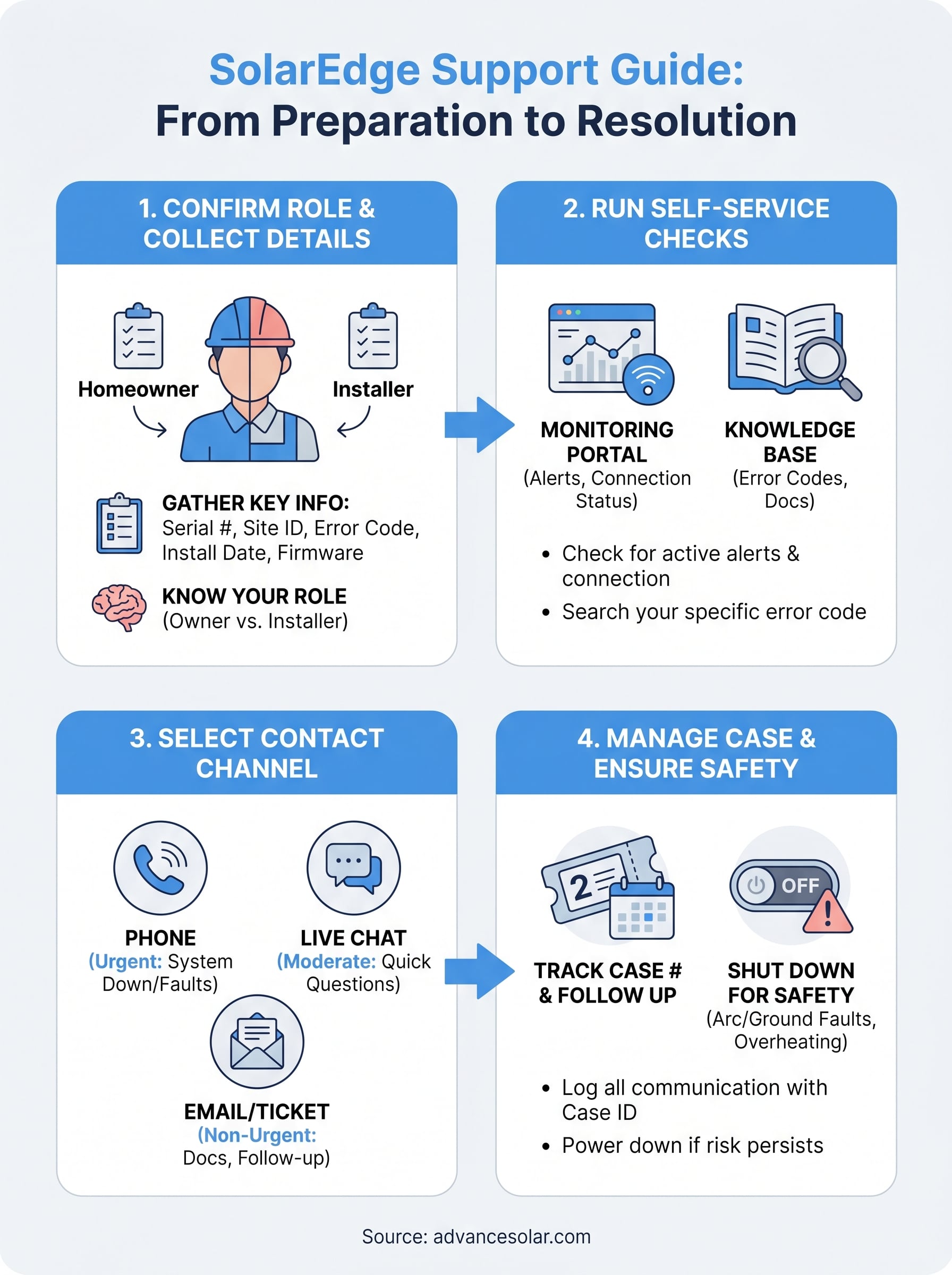
You now have a clear path through every SolarEdge support channel available to you. Start by identifying your role and gathering your serial number, site ID, and error codes. Run the self-service checks first, since many faults clear without a call. When you do need to reach SolarEdge, phone works best for urgent system-down situations, while chat and email handle slower-moving warranty or documentation requests. Once your case is open, track the case number and shut your system down at both disconnects if the fault involves arc faults, ground faults, or overheating.
Sometimes SolarEdge’s remote support team isn’t enough, and you need a licensed technician on-site to replace hardware, pull permits, or clear a fault safely. If you’re in Florida and need a certified local installer to step in, contact Advance Solar & Spa for an assessment from our in-house team of over 50 licensed solar professionals.