
The Enphase Installer Portal is where solar professionals manage system designs, monitor installations, and handle commissioning, all from a single dashboard. Whether you’re logging in for the first time or trying to figure out the registration process, getting set up correctly from the start saves hours of troubleshooting down the road. As an Enphase Platinum Installer with over 40 years in the solar industry, Advance Solar & Spa uses this portal daily across thousands of systems throughout Florida.
This guide walks you through the full process: logging into your existing account, registering as a new installer, and navigating the portal’s core tools. We’ve included the steps and practical tips based on real experience working inside the platform, not repackaged help docs. By the end, you’ll have everything you need to access, set up, and use the Enphase Installer Portal with confidence.
What the Enphase Installer Portal is and who uses it
The Enphase Installer Portal is a web-based platform built specifically for certified solar professionals to manage every stage of a system’s lifecycle. From initial commissioning to ongoing monitoring and service requests, the portal centralizes the tools you need to run a professional solar installation business. It connects directly to Enphase’s Enlighten platform, giving you real-time visibility into system performance across your entire customer base.
What the portal does
Beyond simple monitoring, the portal lets you create new system designs, register microinverters and Encharge battery components, commission installations remotely, and pull detailed performance reports. It also gives you direct access to Enphase technical support and warranty management tools, all without leaving the platform.
If you’re commissioning a new Enphase IQ system, the portal is the required step to activate equipment and connect it to the homeowner’s Enlighten account.
Here’s a quick overview of the portal’s core functions:
- System design and proposal generation
- Microinverter and Encharge battery registration
- Remote commissioning and activation
- Performance monitoring by site or fleet
- Service and RMA request management
- Homeowner account linking
Who has access
Access to the portal is restricted to Enphase-certified installers and their team members. You must hold an active installer account, which requires completing Enphase’s certification process. Individual technicians can be added under a company account, so your whole crew operates under one login structure.
Your installer tier, whether Enphase Installer, Silver, Gold, or Platinum level, determines the benefits you unlock, but all tiers receive full access to the portal’s core tools. Higher tiers like Platinum come with priority support and expanded resources, which is part of what makes that certification worth pursuing.
Step 1. Get to the right login page
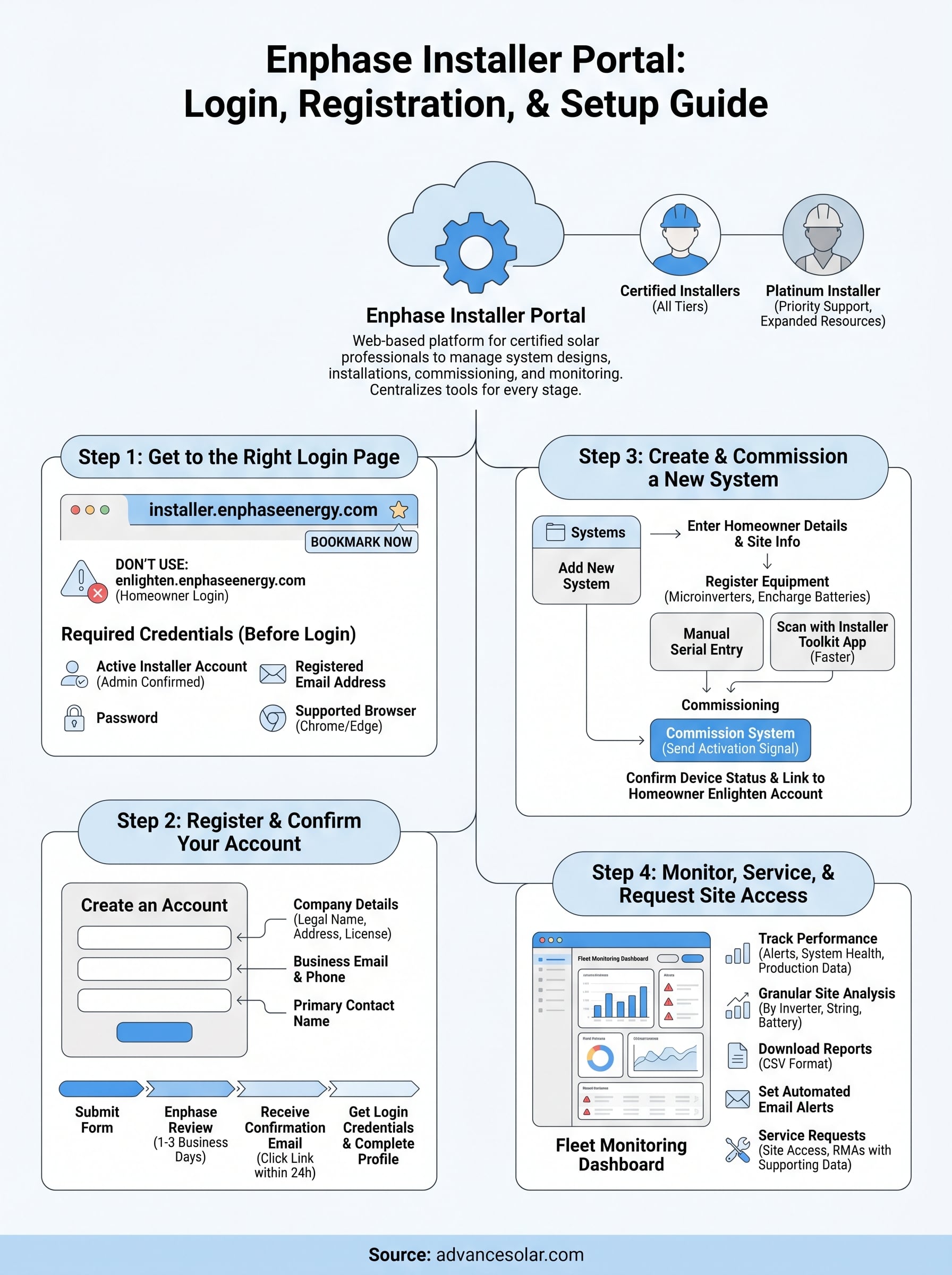
The Enphase Installer Portal login lives at installer.enphaseenergy.com. Bookmark that URL now, because a quick search can easily land you on the homeowner Enlighten login instead, which uses a different set of credentials and will not give you installer-level access to your fleet or commissioning tools.
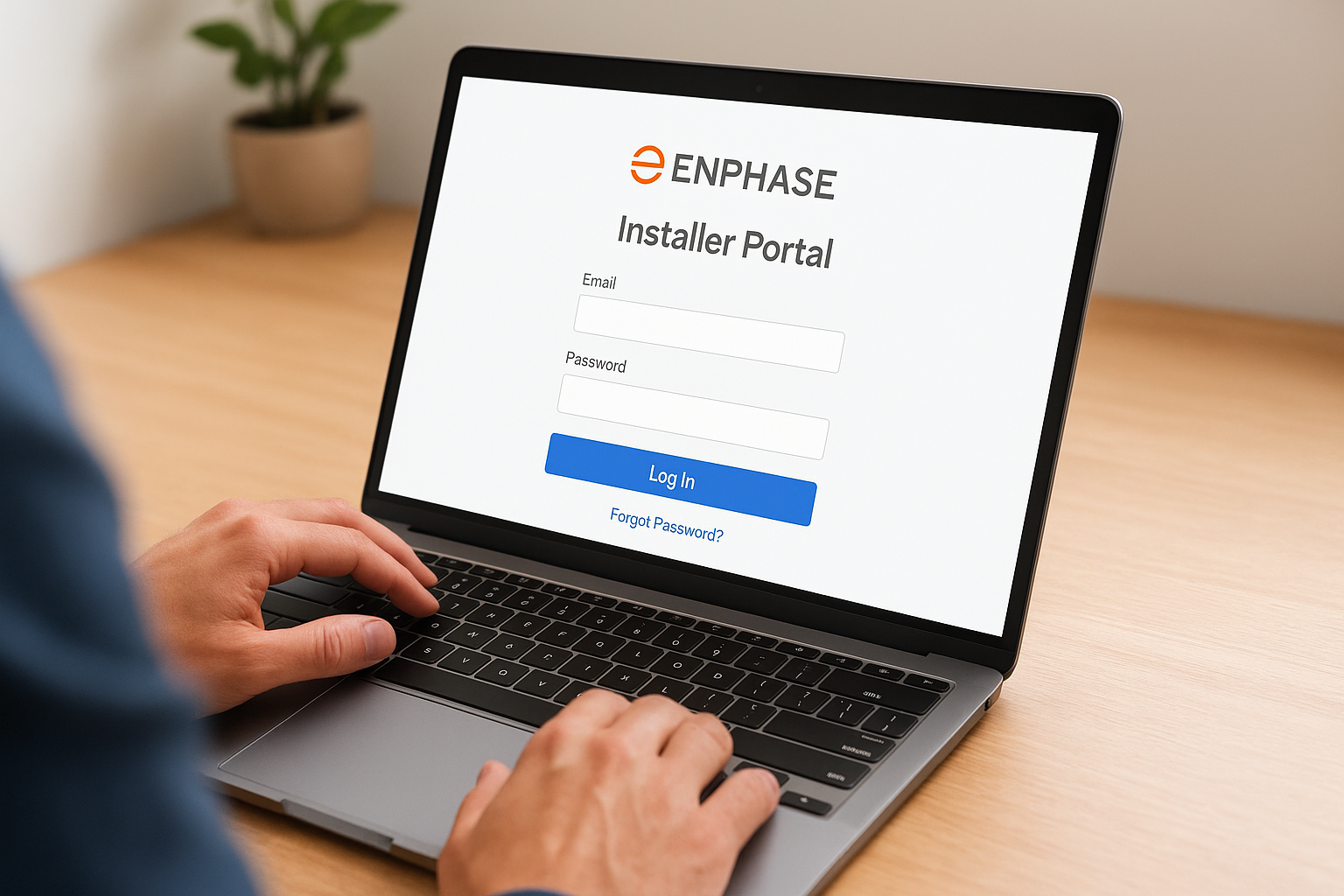
Do not use the standard Enlighten login page at enlighten.enphaseenergy.com, that page is for homeowners and will reject your installer credentials.
What you need before you log in
Before you open the login page, confirm you have your registered email address and password from when your user profile was created. If your company already holds an installer account, your account admin must add you as a team member first. Your credentials will not work until that step is complete.
Here’s what to have ready before you attempt to log in:
- Active installer account confirmed by your company admin or Enphase directly
- Email address tied to your specific user profile
- Password (use the "Forgot Password" link on the login page to reset if needed)
- A supported browser such as Google Chrome or Microsoft Edge for the best experience
Step 2. Register and confirm your installer account
If you don’t have an account yet, you’ll register directly through the Enphase Installer Portal at installer.enphaseenergy.com. Click the "Create an Account" link on the login page to begin. The registration form collects your company details, contractor license information, and a valid business email. New registrations go through an Enphase review before you gain full access, so expect a short wait after submitting.
What the registration form requires
You’ll need specific business information to complete registration successfully. Enphase uses this data to verify your credentials and determine your certification tier within the installer program.
Here’s what to prepare before you start:
- Company legal name and business address
- State-issued contractor license number
- Primary contact name and business email address
- Phone number and website
Confirming your account
After submitting the form, Enphase sends a confirmation email to your registered address. Click the verification link within 24 hours to activate your account. If the email doesn’t arrive, check your spam folder before requesting a resend through the portal.
Enphase typically reviews new applications within one to three business days before granting full portal access.
Once approved, you’ll receive a follow-up notification with your login credentials and next steps to complete your profile setup.
Step 3. Create and commission a new system
Once you’re logged in, navigate to the "Systems" tab and click "Add New System" to begin setting up a customer installation. The Enphase Installer Portal walks you through each step, starting with entering the homeowner’s details and site address, then moving into equipment registration.
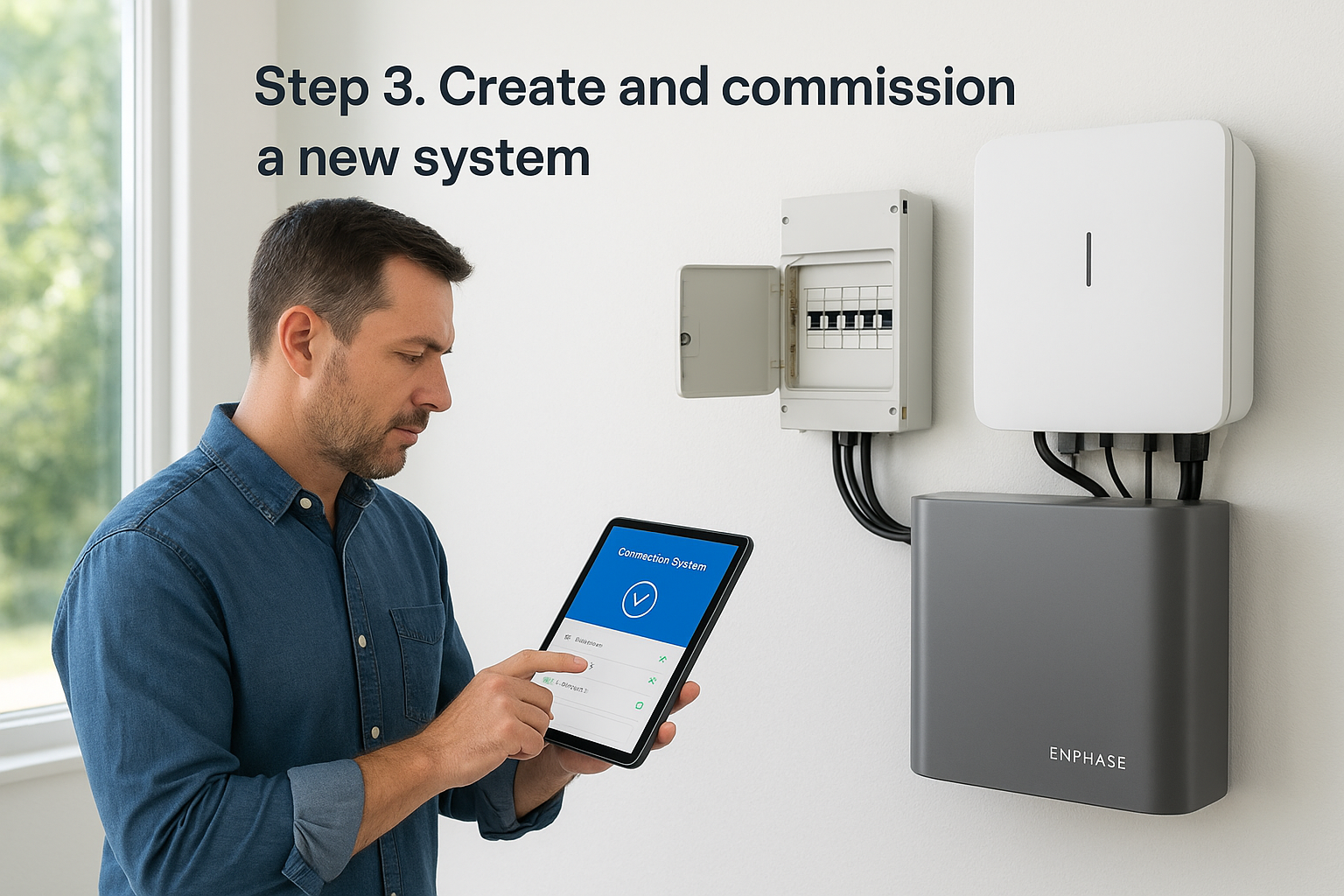
Register your equipment
Each microinverter and Encharge battery you install needs to be registered to the system before commissioning can proceed. You can do this manually by entering serial numbers or by scanning them with the Enphase Installer Toolkit app on your mobile device, which speeds up the process significantly on larger jobs.
Using the Installer Toolkit app to scan serial numbers reduces data entry errors and cuts commissioning time on multi-array installations.
Activate and commission
After registering all equipment, select "Commission System" to send the activation signal. The portal confirms each device comes online and flags any units that fail to connect, so you can troubleshoot on-site before leaving.
Once all devices show active status, link the system to the homeowner’s Enlighten account directly from the portal so they gain immediate access to their production data.
Step 4. Monitor, service, and request site access
Once your system is commissioned, the Enphase Installer Portal becomes your primary tool for ongoing management. The fleet monitoring dashboard gives you a live view of every site under your account, with production data, alerts, and system health indicators all in one place.
Track performance across your fleet
Your dashboard displays active alerts for any system that stops reporting or underperforms against its expected output. Click into any individual site to pull granular data by microinverter, string, or Encharge battery unit, which lets you pinpoint problems remotely before sending a technician to the site.
Resolving alerts remotely through the portal can eliminate unnecessary truck rolls and cut service costs on straightforward issues.
- Filter systems by alert status, installation date, or region
- Download performance reports in CSV format for any date range
- Set up automated email notifications for new alerts on any system
Request site access and submit RMAs
If you need access to a homeowner’s site data, send a site access request directly from that system’s page inside the portal. For faulty equipment, open an RMA request under the service tab and attach supporting performance data to speed up Enphase’s review process.
Next steps
You now have a complete picture of how to access, register for, and use the Enphase Installer Portal across every stage of a solar installation. Start by bookmarking the correct login URL, confirm your account status with your company admin, and work through commissioning your next system using the steps above. The portal rewards users who invest time upfront in learning the fleet monitoring and alert tools, since those features directly reduce time spent on site visits and service calls.
If you’re based in Florida and want to work with a team that uses these tools daily across thousands of active installations, Advance Solar & Spa brings over 40 years of hands-on experience as an Enphase Platinum Installer. Reach out to learn how our certified team handles design, installation, and long-term system support for residential and commercial properties throughout the state.