
If you’re trying to find the Enphase Enlighten login page, you’re probably a solar system owner who wants to check production data, monitor panel performance, or troubleshoot an alert. It’s one of the most common things our customers ask about after their installation is up and running.
As an Enphase Platinum Installer with over 40 years in the solar industry, we’ve helped thousands of Florida homeowners get set up on the Enlighten platform. Our team at Advance Solar & Spa walks every customer through their monitoring tools at commissioning, but we also know that bookmarks get lost and passwords get forgotten.
This guide covers the direct sign-in link, step-by-step instructions for accessing your account on desktop and mobile, how to reset your password if you’re locked out, and practical tips to get the most from your Enlighten dashboard.
What you need before you sign in
Before you attempt the Enphase Enlighten login, take a minute to gather a few things. Having the right information on hand saves you time and prevents the frustration of getting partway through the sign-in process only to realize you’re missing something critical.
Your account email and password
Your Enphase Enlighten account is tied to the email address you used when the system was commissioned. This address is often provided by your installer during setup, so if you never created the account yourself, check your inbox for a welcome message from Enphase. The subject line typically reads something like "Activate your Enphase account" or "Your Enphase system is ready."
If you can’t find the original activation email, search your inbox for "enphase.com" before assuming the account was never created.
Your password is the one you set during activation. If you skipped that step or someone else completed it on your behalf, you’ll need to go through the password reset flow, which this guide covers in a dedicated section below.
What to have ready before you open the page
Pulling these items together before you navigate to the login page keeps everything smooth and cuts down on back-and-forth:
- The email address linked to your Enphase account
- Your password, or access to that email inbox so you can reset it
- Your system owner ID (optional, but useful if Enphase support needs to verify your account)
- A stable internet connection on desktop or mobile
Your installer may have provided a printed or digital welcome packet containing your account details. If Advance Solar & Spa commissioned your system, check any onboarding documents we gave you at installation. If you no longer have them, contact our team directly and we’ll help you locate your account information right away.
Find the official Enphase Enlighten login
Knowing the correct URL matters because phishing sites occasionally mimic legitimate solar platforms. Use only the official Enphase domain to protect your account credentials and personal system data.
The direct login URL
The official Enphase Enlighten login page lives at:
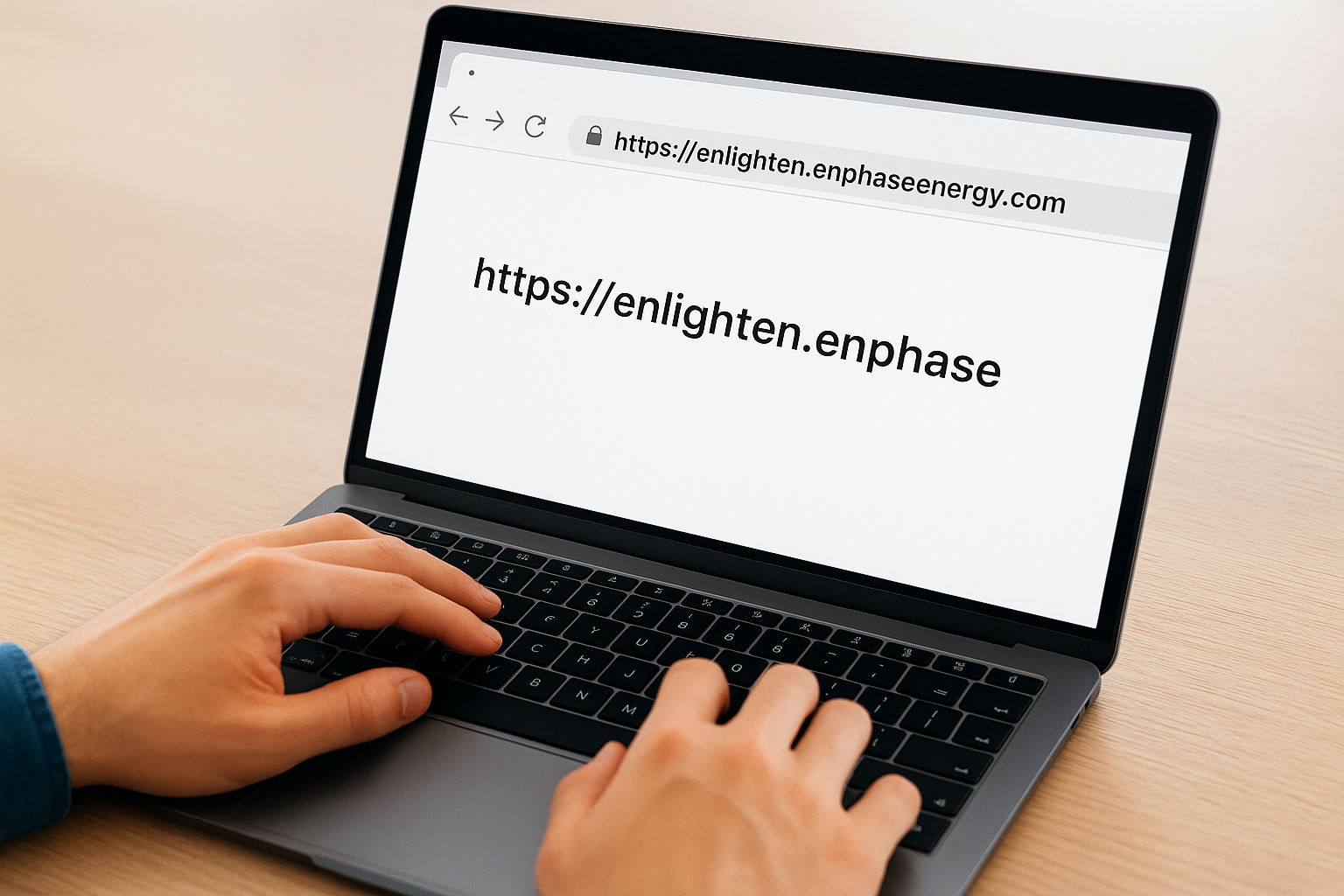
https://enlighten.enphaseenergy.com
Type that address directly into your browser’s address bar rather than clicking a link from an email you weren’t expecting. Once the page loads, you’ll see fields for your email address and password.
Bookmark this URL right now so you never have to search for it again.
Where not to search
Avoid searching "Enphase login" in a search engine and clicking the first result without checking the URL. Some sponsored results or older cached pages can send you to outdated or incorrect destinations. Always verify the address bar shows "enlighten.enphaseenergy.com" before entering your credentials.
If you access Enlighten on your phone, the Enphase Enlighten mobile app is available through the Apple App Store and Google Play Store. Download only the app published by "Enphase Energy" to make sure you’re using the legitimate version.
Sign in on web or the Enlighten app
The sign-in process is straightforward on both desktop and mobile. Once you have your email and password ready, the entire process takes under a minute. Choose the option that fits how you typically check your system.
Sign in on desktop
Head to https://enlighten.enphaseenergy.com and complete these steps:
- Enter your email address in the first field
- Enter your password in the second field
- Click the blue "Sign In" button
- If prompted, complete any two-factor verification sent to your email
After a successful Enphase Enlighten login, your dashboard loads with your system’s current production data front and center.
Sign in on mobile
Download the Enphase Enlighten app from the Apple App Store or Google Play Store, published by Enphase Energy. Open the app and follow these steps:
- Tap "Sign In" on the welcome screen
- Enter your registered email address
- Enter your password and tap the sign-in button
- Allow the app notification permissions if you want production alerts
The mobile app gives you the same core data as the desktop version, including live production stats, historical output charts, and system alerts, all from your phone.
Reset your password or use sign-in code
If you can’t complete your Enphase Enlighten login because you’ve forgotten your password, Enphase gives you two quick ways back into your account: a standard password reset and a one-time sign-in code sent to your email.
Reset your password
From the login page at https://enlighten.enphaseenergy.com, click the "Forgot password?" link below the sign-in button. Enter the email address tied to your account and click Submit. Enphase will send a reset link to that inbox within a few minutes. Open the email, click the link, and set a new password. Your new password must be at least eight characters and include a mix of letters and numbers.
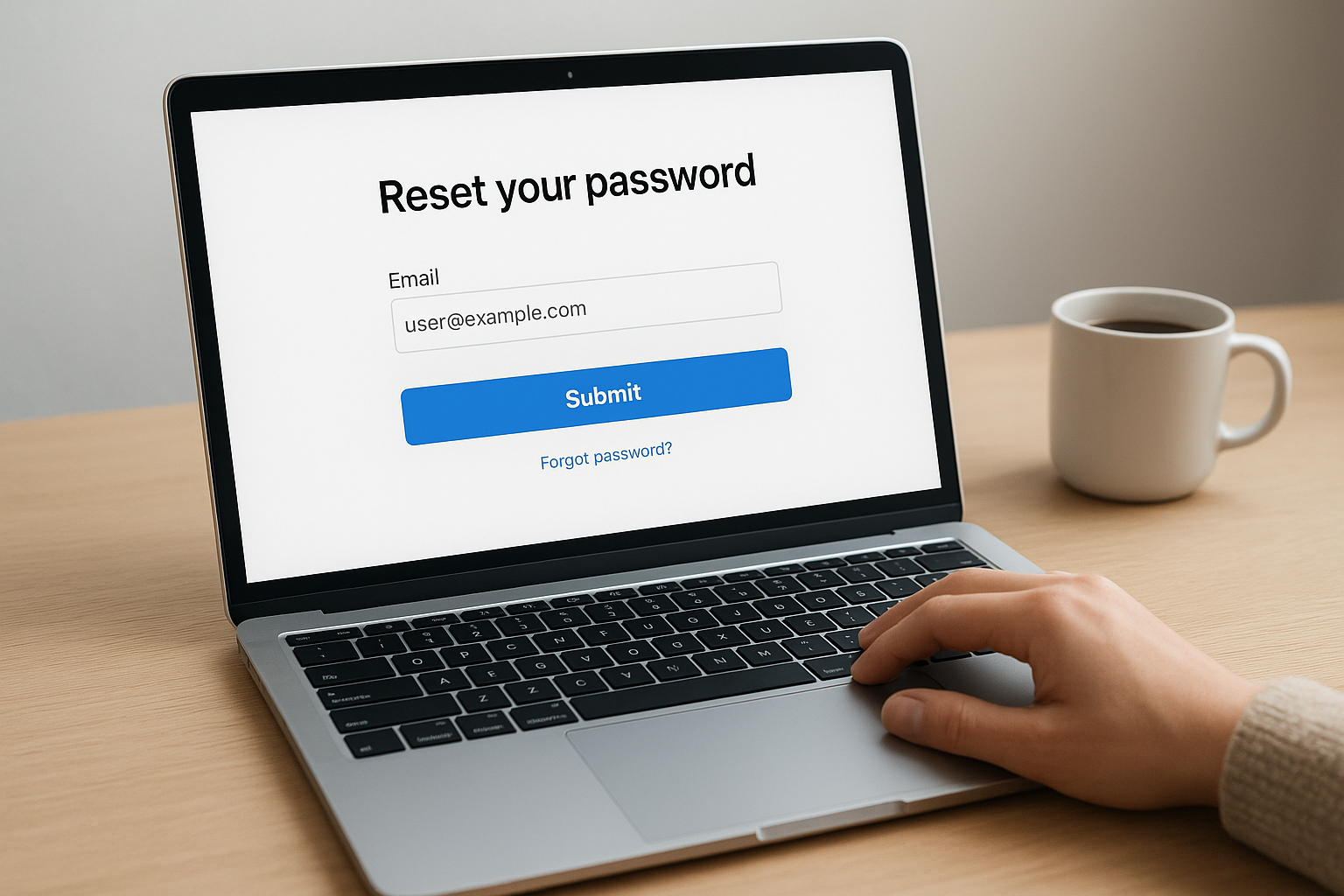
Check your spam or junk folder if the reset email doesn’t appear in your inbox within five minutes.
Use a sign-in code instead
Enphase also lets you skip your password entirely by requesting a one-time sign-in code. On the login page, select the "Use sign-in code" option, enter your registered email address, and check your inbox for a six-digit code. Enter that code on the screen and you’re in. This option works well when you’re on a shared device and don’t want to save credentials.
Fix common login problems fast
Most Enphase Enlighten login failures come down to a handful of repeatable issues. Run through this checklist before you contact support, and you’ll likely resolve the problem in under two minutes.
Wrong email or unrecognized account
Your account is locked to the specific email address used during activation. If Enphase returns an error saying the account doesn’t exist, try any alternate email addresses you own. Installers sometimes register a system under a temporary or business email without informing the homeowner. Check with your installer if you’ve exhausted your known addresses.
If you have multiple properties or systems, each one may be tied to a different registered email.
Browser or app issues
A stale browser cache causes more login failures than most people expect. Clear your cookies and cache, then reload the Enphase login page in a fresh tab. If the problem continues, try a different browser entirely. Chrome and Firefox both work reliably with the Enlighten platform.
On mobile, force-close the Enlighten app and reopen it before assuming the issue runs deeper. If the app still refuses to load or throws an error, delete it, reinstall from the official store, and sign in again with your credentials.
Next steps after you log in
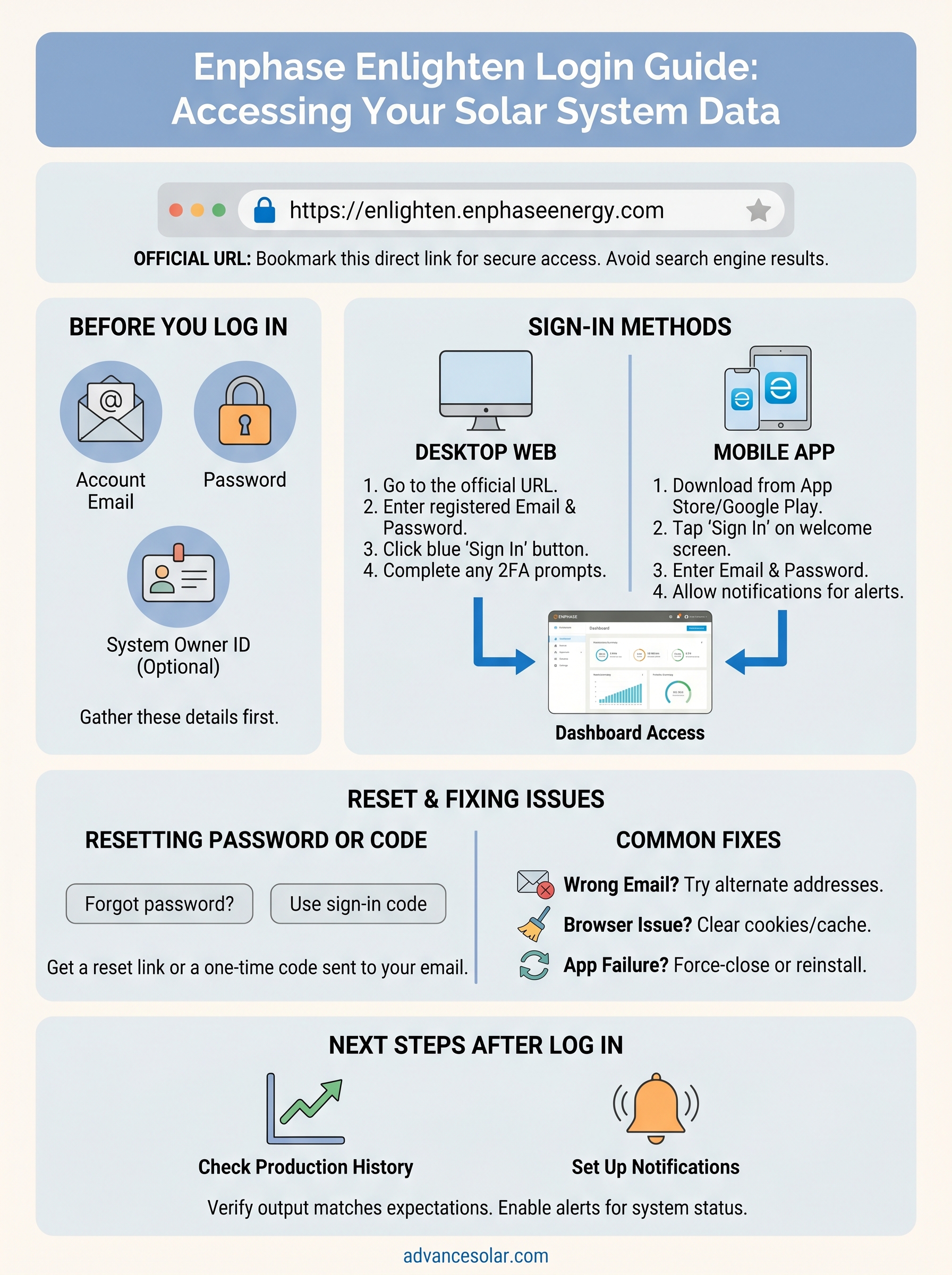
Once your Enphase Enlighten login is complete, spend a few minutes exploring the dashboard before you close the tab. Check your system’s production history to confirm output matches what you were told to expect at installation. If you see consistent underperformance or red alerts on any microinverter, take note of the specific panel ID and contact your installer right away.
Set up email or push notifications so Enlighten alerts you automatically when a panel goes offline or production drops unexpectedly. This takes under two minutes inside the account settings and saves you from checking the app manually every day.
Your solar investment works best with a knowledgeable local team behind it. Whether you need help reading your Enlighten data, adding battery storage, or scheduling a system performance check, Advance Solar & Spa has served Florida homeowners for over 40 years and can walk you through every next step.